Photo directions to your door — guests stop calling.
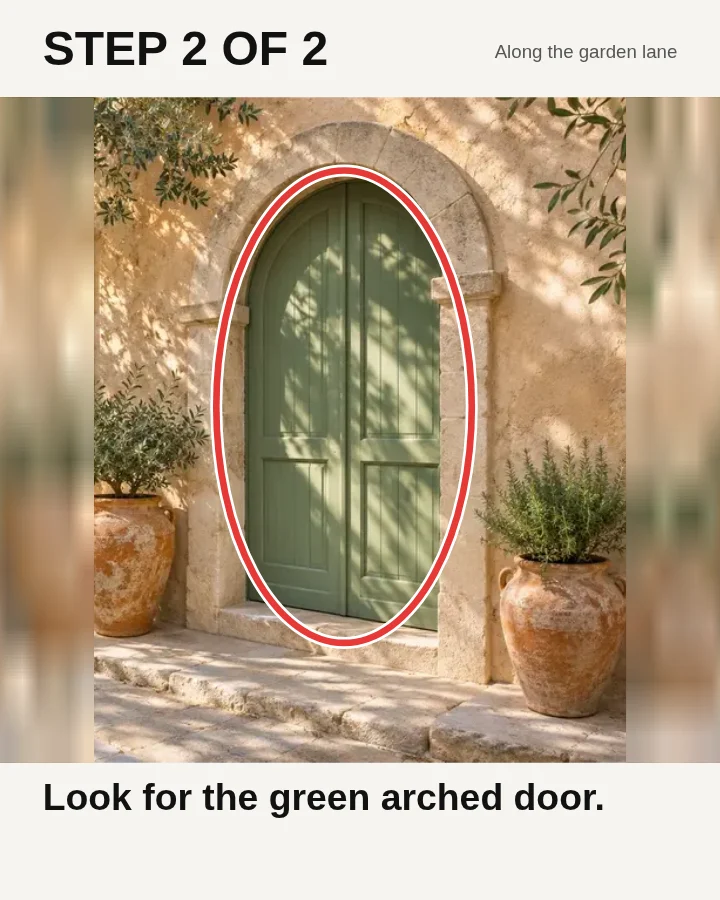
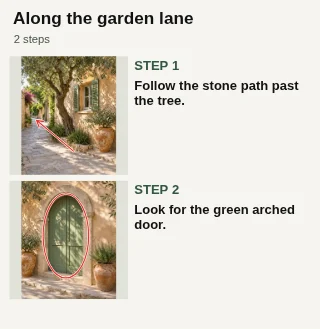
Circle the door, add an arrow, one line per step. Get numbered photos ready for your Airbnb or WhatsApp message, plus a clean PDF. Made in your browser — your photos never leave your device.
Free to try · $2.99/month for clean, unlimited exports.

How it works
- Walk & snapTake 2–12 photos from the street to your door.
- Crop, circle & captionShow guests what to look for at each turn.
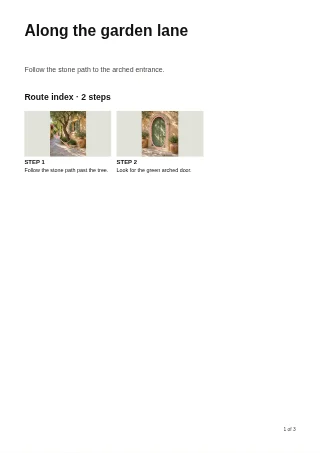
- Save the cardsAttach the numbered photos to your message.
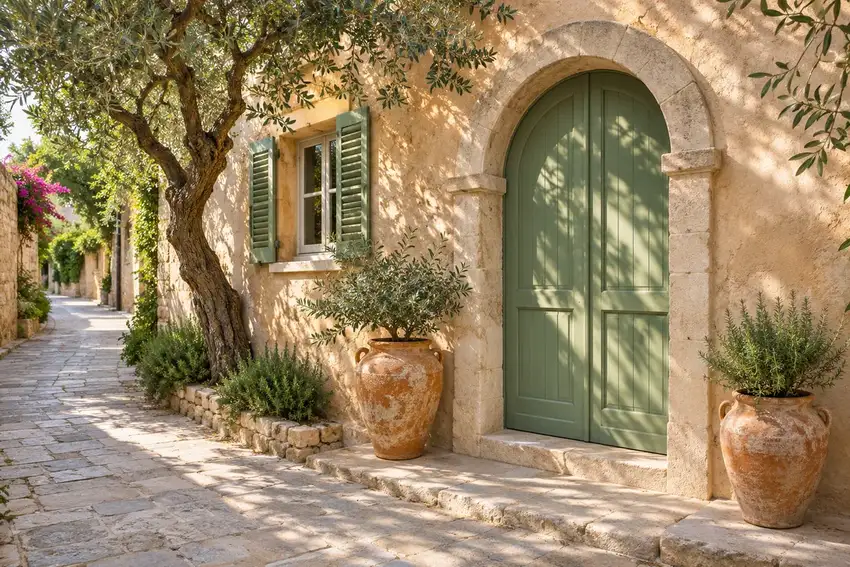
From street to door
Give your guest one decision at a time.
Questions from hosts
Do my photos get uploaded?
Your photos, captions and title stay in this browser. We can’t see them.
Is GPS location removed?
Yes. Each export is a new image drawn from pixels. The original GPS, EXIF and camera tags are discarded.
Can I attach the cards to an Airbnb message?
Yes. Download each numbered photo and attach it to your check-in message. Hosts also describe attaching photos to scheduled Airbnb messages. Airbnb Community discussion
What does $2.99/month get me?
$2.99/month includes unlimited clean 1080 px message cards, A4 PDFs and compact overviews for every guide in this browser while your plan is active.
What if I switch browsers?
Use Already subscribed? and the subscription ID from your receipt to restore access. Your photos and guides stay in the browser where you made them.
Can I share a link or QR code?
Send the downloaded image or PDF directly. Hosted guides and QR codes are unavailable.
How do refunds work?
Creem handles payments. Contact support with the checkout reference to request a refund. Refund details
Can I use iPhone photos?
Yes. Choose photos from your Photos library. HEIC files from Files or a computer are converted locally when possible.
How do I cancel?
Choose Manage subscription to open the Creem Customer Portal. You keep access through the end of your paid period. Creem portal sign-in
What if I only want one PDF?
You can cancel after the first month. All your guides are included during that month.